



















CapCut is a well-known video editing app, I bet you've heard of it. With more than 300 million active users, including influencers, entrepreneurs, young people and content creators, the app has gained strength for its quality and ease of use.
If you want to learn how to use it to create more engaging content and increase your visibility on social media, this article is for you. With a valuable step-by-step guide, we will help you improve your edits. After all, salespeople who invest in attractive videos can generate more views and boost their sales.
What is CapCut?
CapCut is a complete video editing application, available for mobile devices, Android and iOS, and computers, Windows and macOS, it also has a web version. It has features ranging from simple edits, such as inserting music and subtitles, to more advanced options, such as special effects, voice generation, and lighting adjustments. All this in an intuitive way, allowing even beginners to create professional-quality videos, without the need for advanced technical knowledge.
Is CapCut free? How to download it?
Yes, CapCut is free and offers several features for quality edits, allowing users of the free version to have access to features such as ready-made templates for social networks, music, images, transition effects, and more. However, CapCut also offers paid plans, which guarantee complete access to more editing features and exclusive templates.
Downloading it is simple: just go to your device's app store and type “CapCut” into the search bar. When you find “CapCut – Video Editor”, tap “Install” or “Get”. The name of the install button may vary depending on your phone model.
Step by step to use CapCut
- On the first access, a few questions will appear before starting editing, so that the app can understand your creation profile. The process is quick and easy, with only 4 steps.
- After answering the initial brief questions, it's time to start editing by clicking on “New Project”.
- You need to allow access to your gallery, where your photos and videos are stored, to select the videos you want to use.
- To add more content to your video, click the button with the symbol “+”.
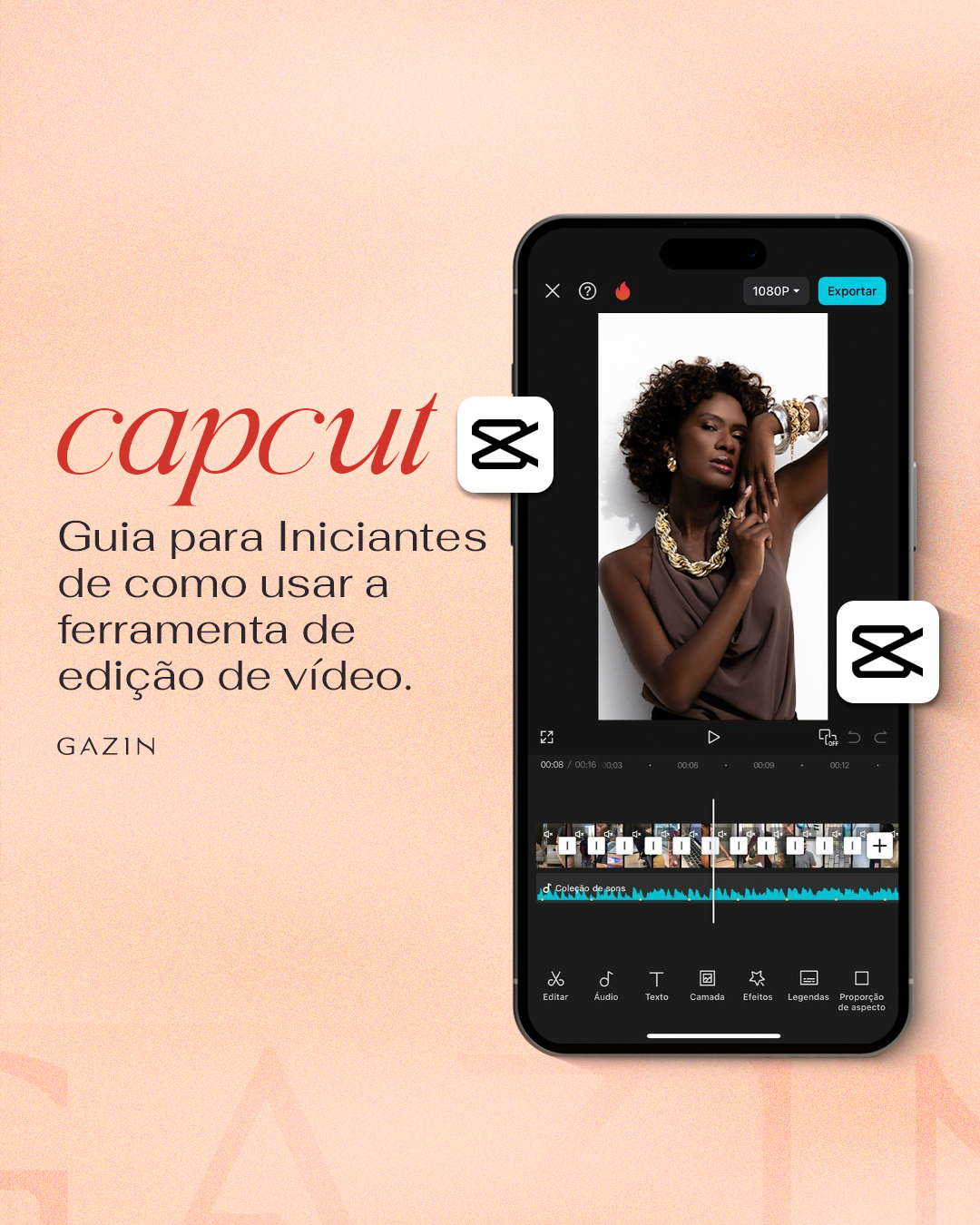
- If you want to add a song, click on the “Audio” option in the bottom menu of the app.
- When accessing, use the “Sounds” option and select the music you want for your video. An extra tip: use songs that are trending to help engagement and improve your views.
- Once that's done, go to the search bar, type in the name of the song you want, and add it to your video. Some songs aren't available in the free version, but there are a lot of cool options.
- After searching for the song you want, click on the cover of the song if you just want to listen to it. To apply it to the video, click on the “+”.
- Soon, the selected song will appear below the carousel of images and videos of the created clip.
- Feel free to use the other tools! Another widely used feature is the “Record” option, located in the bottom menu of the application, where you can narrate the video with your own voice in the background.
- Use the divisions between the applied images or videos to insert transitions and animations, thus giving an idea of connection between the parts placed separately.
- To finish, click on the “Export” option, located at the top of the app, to save the video.
- After that, wait for the upload process and then forward, share, or just save to your gallery to have a set of materials ready to post daily.
The public values those who have constancy and originality. Take a day a week to create content, put creativity into play and always keep an eye out for having good content on the networks. This way, you increase the chances of standing out and gaining a loyal and engaged follower base.
Remember: each video created is an opportunity to improve your skills. We hope this step-by-step guide helps you in the best possible way. Count on us on your journey and keep following us for more amazing tips.
Sources: